Users have the ability to reset their Okta password without contacting the Support and Training Center if they are using Okta Verify as their multifactor authenticator. If you are using another method, please send an email to support@unitehere.org.
Step 1: Go to http://login.unitehere.org/.
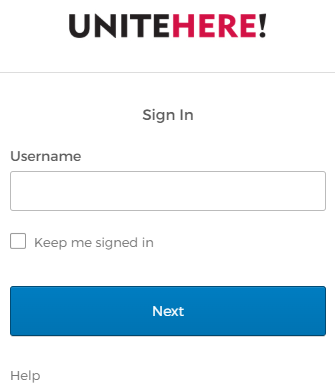
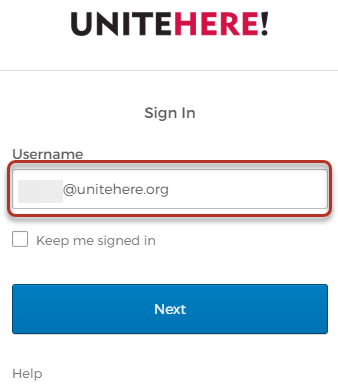
Step 2: Enter your Unite Here email address.
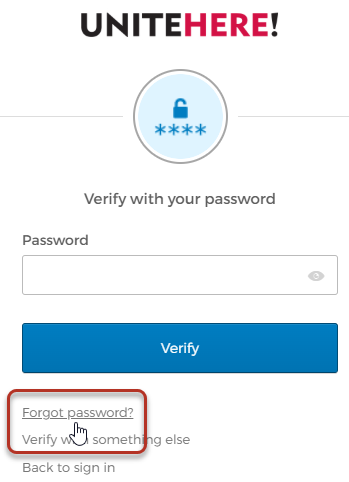
Step 3: Click Forgot Password.
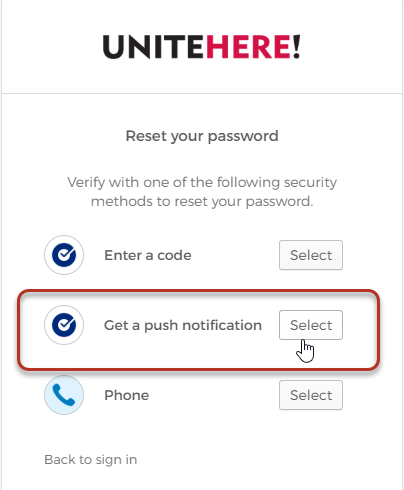
Step 4: Click Select next to Get a push notification.
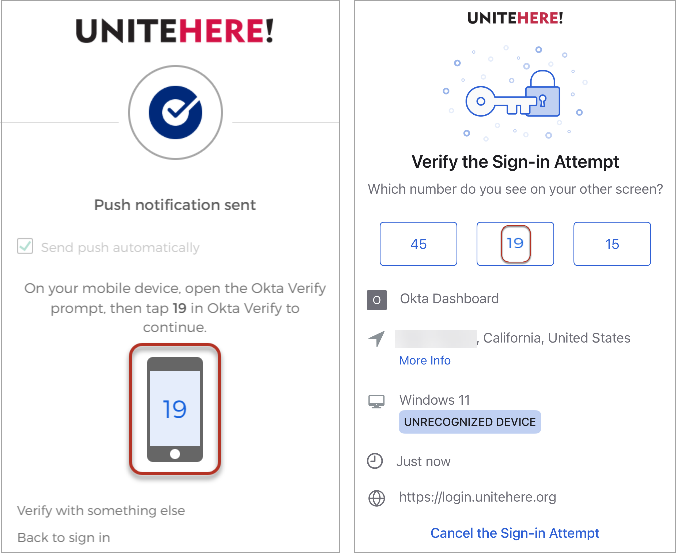
Step 5: From your Okta Verify app, tap the number on the screen that matches the number on the computer screen.
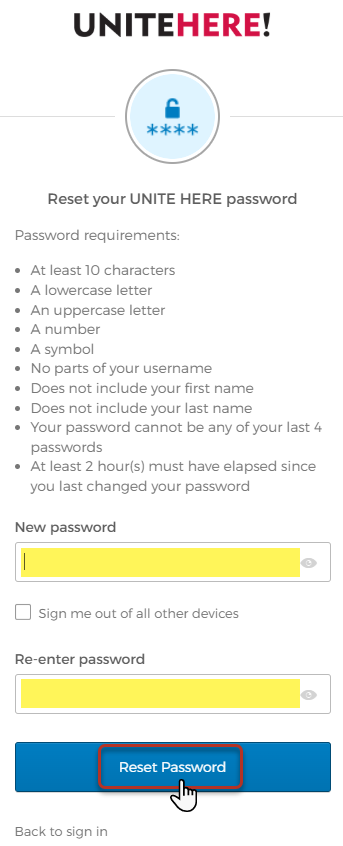
Step 6: On your computer type in a new password making sure to meet all password requirements as listed. Then click Reset Password.